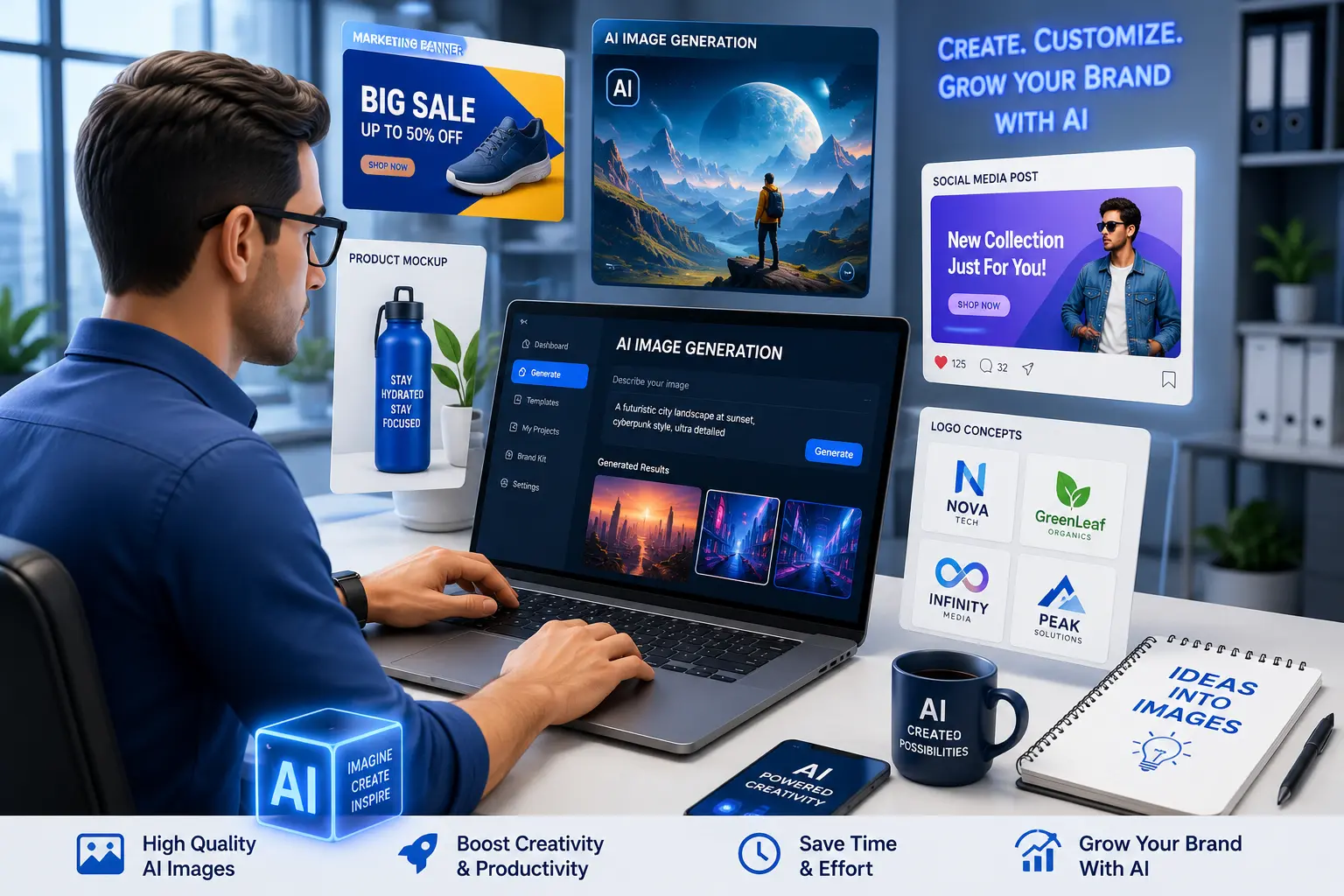
Visual content has become one of the most powerful marketing tools for modern businesses. Whether you’re posting on social media, designing advertisements, creating blog graphics, or launching a new product, high-quality images can make a significant difference in how customers perceive your brand.
In the past, businesses needed professional designers or expensive software to create attractive visuals. Today, AI image generators have changed that completely.
With just a simple text prompt, you can generate professional-looking images in seconds. These tools help businesses save time, reduce design costs, and create unique visuals without requiring advanced graphic design skills.
But not every AI image generator offers the same quality.
Some are better for realistic images, while others specialize in illustrations, product mockups, marketing graphics, or creative artwork.
In this guide, we’ll compare the best AI image generators for business owners in 2026 based on image quality, ease of use, commercial licensing, pricing, and business value.
Why Businesses Are Using AI Image Generators
Every business needs visual content.
Examples include:
- Blog featured images
- Facebook advertisements
- Instagram posts
- LinkedIn graphics
- Product mockups
- Website banners
- Email marketing images
- YouTube thumbnails
- Presentation graphics
- Infographics
Hiring a professional designer for every image can become expensive, especially for startups and small businesses.
AI image generators provide a faster and more affordable solution. They allow business owners to create original visuals in minutes, making it easier to maintain a consistent content marketing strategy.
Benefits of AI Image Generators
1. Save Time
Creating a custom graphic from scratch can take hours. AI tools can produce multiple design concepts within minutes, allowing you to choose the best option and move on to other business tasks.
2. Reduce Design Costs
Not every business has an in-house designer. AI tools help reduce the need for outsourcing every social media post, blog image, or promotional banner.
3. Create Unique Visuals
Instead of relying on generic stock photos, AI allows you to create custom images that better match your brand identity and marketing message.
4. Improve Marketing Performance
Eye-catching visuals often attract more attention on social media, in advertisements, and on websites. Better visuals can increase engagement and encourage users to spend more time interacting with your content.
5. Faster Content Creation
When paired with AI writing tools, AI image generators help businesses produce complete marketing content—from articles to graphics—in a fraction of the usual time.
How We Evaluated These AI Image Generators
To ensure a fair comparison, we evaluated each tool using the following criteria:
Image Quality
Can the tool generate professional-looking images suitable for business use?
Ease of Use
Is it beginner-friendly, or does it require design experience?
Commercial Usage
Can businesses use the generated images for websites, social media, advertisements, and marketing campaigns?
Speed
How quickly does the tool generate images?
Editing Features
Can you edit prompts, regenerate images, or customize outputs?
Value for Money
Does the pricing justify the features offered?
Quick Comparison
| Tool | Best For | Free Plan | Commercial Use |
| ChatGPT Image Generation | Marketing & creative visuals | Limited | Yes (subject to applicable terms) |
| Midjourney | High-quality artwork | No | Yes |
| Adobe Firefly | Commercial business graphics | Yes | Yes |
| Canva AI | Social media & presentations | Yes | Yes |
| Leonardo AI | Product designs | Yes | Yes |
| Microsoft Designer | Marketing materials | Yes | Yes |
| Ideogram | Text-based images | Yes | Yes |
| Stable Diffusion | Custom image generation | Yes | Depends on setup/license |
| DreamStudio | Creative artwork | Limited | Yes |
| Recraft | Logos & vector graphics | Yes | Yes |
1. ChatGPT Image Generation
Overview
ChatGPT combines conversational AI with image generation, making it useful for businesses that need both content and visuals in one workflow.
Instead of switching between multiple applications, business owners can brainstorm ideas, write marketing copy, and generate matching images from the same conversation.
For example, you can ask for:
- A featured image for a blog post
- A social media banner
- An advertising concept
- A product mockup
- A promotional poster
- An event flyer
- A presentation illustration
This streamlined workflow can save time for small teams and solo entrepreneurs.
Best Features
- Simple prompt-based image creation
- Easy editing through conversation
- Helpful for marketing visuals
- Works well alongside AI-generated content
- Suitable for blog graphics and social media
Pros
✔ Easy for beginners
✔ Fast workflow
✔ Great for combining writing and image creation
✔ Useful for marketing teams
✔ Excellent for brainstorming visual concepts
Cons
✘ Advanced design workflows may still require dedicated graphic design software.
✘ Results depend on how clearly you describe your prompt.
Best For
- Bloggers
- Small businesses
- Marketing agencies
- Ecommerce stores
- Startup founders
- Content creators
Our Rating
⭐⭐⭐⭐⭐ 9.8/10
For most small businesses, ChatGPT offers one of the easiest ways to move from an idea to both written content and matching visuals without changing platforms.
2. Midjourney
Overview
Midjourney is widely recognized for producing some of the highest-quality AI-generated artwork available today. It is especially popular among designers, advertising agencies, game developers, architects, and creative professionals.
If your business depends on premium-quality visuals rather than quick social media graphics, Midjourney is one of the strongest options.
The images often have a cinematic, artistic, and highly detailed appearance that stands out from typical AI-generated content.
Best Features
- Outstanding image quality
- Highly realistic artwork
- Detailed lighting and textures
- Creative artistic styles
- Professional-quality concept art
Pros
✔ Exceptional image quality
✔ Excellent for advertising campaigns
✔ Ideal for premium branding
✔ Large creative community
Cons
✘ Learning curve for beginners
✘ No permanent free plan
Best For
- Branding agencies
- Creative studios
- Advertising companies
- Luxury brands
- Graphic designers
Our Rating
⭐⭐⭐⭐⭐ 9.8/10
3. Adobe Firefly
Overview
Adobe Firefly is designed with business users in mind. If you already use Photoshop, Illustrator, or other Adobe Creative Cloud applications, Firefly fits naturally into your workflow.
One of its biggest advantages is its focus on commercial content creation and professional editing workflows.
Best Features
- Adobe integration
- Text-to-image generation
- Generative Fill
- Background replacement
- Commercial workflows
Pros
✔ Professional editing tools
✔ Excellent image quality
✔ Great for marketing teams
✔ Strong business ecosystem
Cons
✘ Advanced features require Adobe subscriptions.
Best For
- Marketing agencies
- Designers
- Businesses using Adobe products
Our Rating
⭐⭐⭐⭐⭐ 9.7/10
4. Canva AI
Overview
Canva has become one of the world’s most popular design platforms.
Its AI features allow users to generate images, edit graphics, create presentations, and design social media posts all without professional design experience.
For small business owners, Canva offers one of the easiest ways to create daily marketing content.
Best Features
- AI image generation
- Social media templates
- Presentation design
- Drag-and-drop editor
- Team collaboration
Pros
✔ Beginner friendly
✔ Huge template library
✔ Fast editing
✔ Excellent for social media
Cons
✘ Less artistic flexibility than specialized AI art tools.
Best For
- Small businesses
- Bloggers
- Ecommerce stores
- Social media managers
Our Rating
⭐⭐⭐⭐⭐ 9.6/10
5. Leonardo AI
Overview
Leonardo AI focuses on creating detailed visuals, concept art, game assets, product renders, and marketing graphics.
Many businesses use Leonardo AI to produce custom illustrations that would otherwise require professional digital artists.
Best Features
- High-quality artwork
- Product rendering
- Character design
- Marketing graphics
- Prompt customization
Pros
✔ Excellent detail
✔ Fast generation
✔ Creative flexibility
Cons
✘ Beginners may need practice to write effective prompts.
Our Rating
⭐⭐⭐⭐⭐ 9.5/10
6. Microsoft Designer
Overview
Microsoft Designer combines AI image generation with an easy-to-use design editor.
It’s ideal for quickly producing:
- Social media posts
- Flyers
- Posters
- Invitations
- Marketing banners
- Business graphics
Best Features
- AI templates
- Quick editing
- Business graphics
- Office integration
Pros
✔ Very easy to use
✔ Great free features
✔ Fast workflow
Cons
✘ Limited advanced creative controls.
Our Rating
⭐⭐⭐⭐☆ 9.2/10
7. Ideogram
Overview
Ideogram stands out because it generates images that include readable text more accurately than many competitors.
This makes it useful for creating posters, logos, advertisements, and promotional graphics.
Best Features
- Better text rendering
- Poster design
- Logo concepts
- Advertising graphics
Pros
✔ Excellent typography
✔ Creative layouts
✔ Fast image generation
Cons
✘ Smaller ecosystem than some competitors.
Our Rating
⭐⭐⭐⭐☆ 9.3/10
8. Stable Diffusion
Overview
Stable Diffusion is popular among advanced users because it offers extensive customization and can be run locally on suitable hardware.
Businesses that require complete control over image generation often choose this option.
Best Features
- Open ecosystem
- Custom models
- Local installation
- Advanced customization
Pros
✔ Highly flexible
✔ Large community
✔ Advanced capabilities
Cons
✘ Requires technical knowledge for advanced use.
Our Rating
⭐⭐⭐⭐☆ 9.2/10
9. DreamStudio
Overview
DreamStudio provides an easy way to use Stable Diffusion through a cloud-based interface.
It removes much of the technical complexity while still allowing users to generate high-quality AI images.
Best Features
- Cloud-based workflow
- Simple interface
- High-quality generation
Pros
✔ Easy for beginners
✔ Good image quality
✔ Flexible prompts
Cons
✘ Usage limits depend on available credits.
Our Rating
⭐⭐⭐⭐☆ 9.1/10
10. Recraft
Overview
Recraft is especially useful for businesses that need logos, icons, vector illustrations, and scalable graphics.
Unlike many AI image generators that focus only on artwork, Recraft supports business branding projects.
Best Features
- Logo creation
- Vector graphics
- Icons
- Brand illustrations
- Marketing assets
Pros
✔ Excellent for branding
✔ High-quality vectors
✔ Business-friendly workflow
Cons
✘ Less focused on highly realistic artwork.
Our Rating
⭐⭐⭐⭐☆ 9.3/10
Feature Comparison
| Tool | Image Quality | Ease of Use | Marketing | Branding | Overall |
| ChatGPT Image Generation | ⭐⭐⭐⭐⭐ | ⭐⭐⭐⭐⭐ | ⭐⭐⭐⭐⭐ | ⭐⭐⭐⭐☆ | 9.8/10 |
| Midjourney | ⭐⭐⭐⭐⭐ | ⭐⭐⭐⭐☆ | ⭐⭐⭐⭐⭐ | ⭐⭐⭐⭐⭐ | 9.8/10 |
| Adobe Firefly | ⭐⭐⭐⭐⭐ | ⭐⭐⭐⭐⭐ | ⭐⭐⭐⭐⭐ | ⭐⭐⭐⭐⭐ | 9.7/10 |
| Canva AI | ⭐⭐⭐⭐☆ | ⭐⭐⭐⭐⭐ | ⭐⭐⭐⭐⭐ | ⭐⭐⭐⭐☆ | 9.6/10 |
| Leonardo AI | ⭐⭐⭐⭐⭐ | ⭐⭐⭐⭐☆ | ⭐⭐⭐⭐☆ | ⭐⭐⭐⭐☆ | 9.5/10 |
| Microsoft Designer | ⭐⭐⭐⭐☆ | ⭐⭐⭐⭐⭐ | ⭐⭐⭐⭐⭐ | ⭐⭐⭐⭐☆ | 9.2/10 |
| Ideogram | ⭐⭐⭐⭐☆ | ⭐⭐⭐⭐☆ | ⭐⭐⭐⭐☆ | ⭐⭐⭐⭐⭐ | 9.3/10 |
| Stable Diffusion | ⭐⭐⭐⭐⭐ | ⭐⭐⭐☆☆ | ⭐⭐⭐⭐☆ | ⭐⭐⭐⭐⭐ | 9.2/10 |
| DreamStudio | ⭐⭐⭐⭐☆ | ⭐⭐⭐⭐☆ | ⭐⭐⭐⭐☆ | ⭐⭐⭐⭐☆ | 9.1/10 |
| Recraft | ⭐⭐⭐⭐☆ | ⭐⭐⭐⭐☆ | ⭐⭐⭐⭐☆ | ⭐⭐⭐⭐⭐ | 9.3/10 |
Real Business Use Cases
Ecommerce Store
Use AI to create:
- Product banners
- Promotional graphics
- Seasonal sale advertisements
- Social media creatives
Recommended Tool: Canva AI or ChatGPT Image Generation
Digital Marketing Agency
Generate:
- Facebook ad creatives
- Google Display banners
- Blog featured images
- Landing page visuals
Recommended Tool: Adobe Firefly or Midjourney
Blogger
Create:
- Featured images
- Infographics
- Pinterest graphics
- Article illustrations
Recommended Tool: ChatGPT Image Generation or Canva AI
Startup
Need:
- Brand identity concepts
- Pitch deck visuals
- Website graphics
- Marketing materials
Recommended Tool: Adobe Firefly or Recraft
Small Business
Need:
- Flyers
- Posters
- Social media graphics
- Business promotions
Recommended Tool: Canva AI or Microsoft Designer
Mid-Article Verdict
If you want one easy platform for everyday business marketing, ChatGPT Image Generation and Canva AI are excellent choices.
If your priority is premium artistic quality, Midjourney remains one of the strongest options.
For businesses already using Adobe Creative Cloud, Adobe Firefly provides a seamless professional workflow.
Ultimately, the best tool depends on the type of images your business creates most often.
Pricing Comparison
Pricing is an important consideration, especially for startups and small businesses. While many AI image generators offer free plans, paid subscriptions usually unlock higher image limits, faster generation, advanced editing, and commercial features.
| Tool | Free Plan | Paid Plan | Best Value |
| ChatGPT Image Generation | Limited | Available | ⭐⭐⭐⭐⭐ |
| Midjourney | Trial/No permanent free plan | Available | ⭐⭐⭐⭐☆ |
| Adobe Firefly | Yes | Available | ⭐⭐⭐⭐⭐ |
| Canva AI | Yes | Available | ⭐⭐⭐⭐⭐ |
| Leonardo AI | Yes | Available | ⭐⭐⭐⭐☆ |
| Microsoft Designer | Yes | Available | ⭐⭐⭐⭐☆ |
| Ideogram | Yes | Available | ⭐⭐⭐⭐☆ |
| Stable Diffusion | Yes (depending on setup) | Optional | ⭐⭐⭐⭐☆ |
| DreamStudio | Limited Credits | Credit-based | ⭐⭐⭐⭐☆ |
| Recraft | Yes | Available | ⭐⭐⭐⭐☆ |
Free vs Paid AI Image Generators
Many businesses wonder if free plans are enough.
Free Plans Are Perfect For
- Bloggers
- Students
- Freelancers
- New businesses
- Content creators
- Social media managers
Most free plans allow you to experiment, create marketing graphics, and understand how AI image generation fits into your workflow.
Paid Plans Are Better For
- Marketing agencies
- Ecommerce brands
- Advertising companies
- Businesses publishing daily
- Teams collaborating on design projects
- Companies requiring advanced editing features
If visual content is a core part of your marketing strategy, investing in a paid plan can save time and improve consistency.
Commercial Usage: What Business Owners Should Know
Before using AI-generated images in advertisements, product packaging, or client projects, review the licensing and commercial-use terms for the specific tool and plan you use.
Good practices include:
- Review the platform’s current terms of use.
- Avoid generating content that infringes on trademarks or copyrights.
- Use original prompts.
- Keep records of important commercial assets when appropriate.
- Follow your local legal and industry requirements.
How to Choose the Right AI Image Generator
Ask yourself these questions:
-
Do you need social media graphics every day?
Choose Canva AI or ChatGPT Image Generation for fast, practical workflows.
-
Do you need premium artwork?
Choose Midjourney.
Its artistic quality remains one of the strongest options for creative branding and advertising concepts.
-
Do you already use Adobe Photoshop?
Choose Adobe Firefly.
Its integration with Adobe Creative Cloud can improve your existing design workflow.
-
Are you building a brand identity?
Choose Recraft for vector graphics, icons, and logo concepts.
-
Do you need complete creative control?
Choose Stable Diffusion, especially if your team has technical experience.
Common Mistakes Businesses Make
1. Using Generic Prompts
Poor Prompt:
Create a business image.
Better Prompt:
Create a modern blue-themed hero banner for a cloud software company targeting small businesses in the USA, featuring a diverse professional team, clean dashboard illustrations, and a premium corporate style.
The more specific your prompt, the better the result.
2. Ignoring Brand Consistency
Maintain consistent:
- Colors
- Fonts
- Style
- Visual identity
- Logo placement
A consistent brand looks more professional and builds trust.
3. Not Editing AI Images
AI-generated visuals often benefit from small adjustments such as:
- Cropping
- Adding your logo
- Improving typography
- Adjusting colors
- Optimizing image size
4. Using Low-Resolution Images
For websites, advertisements, and print materials, use appropriately sized, high-quality images that match your platform’s requirements.
Expert Tips
Here are some practical tips to get better results:
- Write detailed prompts.
- Mention colors and lighting.
- Describe the camera angle or composition if relevant.
- Generate multiple versions before choosing one.
- Use AI for ideas, then refine important visuals manually.
- Create a reusable prompt library for your brand.
- Review images carefully before publishing.
Final Verdict
AI image generators have changed the way businesses create visual content.
Instead of waiting days for a design, businesses can now generate marketing concepts, blog graphics, presentations, and promotional images within minutes.
If you want the best all-round solution for daily content creation, ChatGPT Image Generation and Canva AI are excellent choices.
If premium artistic quality is your priority, Midjourney remains one of the strongest options.
Businesses already invested in Adobe Creative Cloud should consider Adobe Firefly for its seamless workflow and professional editing capabilities.
Ultimately, the best tool depends on your goals, budget, and the type of visual content you create most often.
Our Final Ratings
| Tool | Overall Score |
| ChatGPT Image Generation | 9.8/10 |
| Midjourney | 9.8/10 |
| Adobe Firefly | 9.7/10 |
| Canva AI | 9.6/10 |
| Leonardo AI | 9.5/10 |
| Recraft | 9.3/10 |
| Ideogram | 9.3/10 |
| Microsoft Designer | 9.2/10 |
| Stable Diffusion | 9.2/10 |
| DreamStudio | 9.1/10 |
Conclusion
AI image generators are no longer just creative tools—they’ve become valuable business assets. By choosing the right platform and combining AI-generated visuals with thoughtful editing and a consistent brand identity, businesses can produce high-quality marketing materials more efficiently than ever before.
Whether you’re a freelancer, startup founder, ecommerce seller, or agency owner, AI image generation can help you create compelling visuals while saving both time and money.