Running a small business today is more challenging than ever. Business owners need to manage customers, marketing, sales, social media, websites, emails, invoices, and daily operations often with a small team and a limited budget. On top of that, customers expect businesses to publish helpful content, respond quickly to inquiries, and maintain an active online presence.
Creating high-quality content consistently is one of the biggest challenges. Writing blog posts, email newsletters, product descriptions, landing pages, and social media updates takes time, creativity, and effort. Hiring professional writers or a full marketing team isn’t always affordable, especially for startups and small businesses.
This is where AI writing tools have become game changers.
Modern AI writing assistants can help you create first drafts in minutes, generate marketing ideas, improve grammar, rewrite content, and even assist with SEO-friendly blog writing. Instead of replacing human creativity, they help business owners work faster and focus on strategy instead of spending hours staring at a blank screen.
Many of these tools also offer generous free plans, making them accessible to businesses of every size.
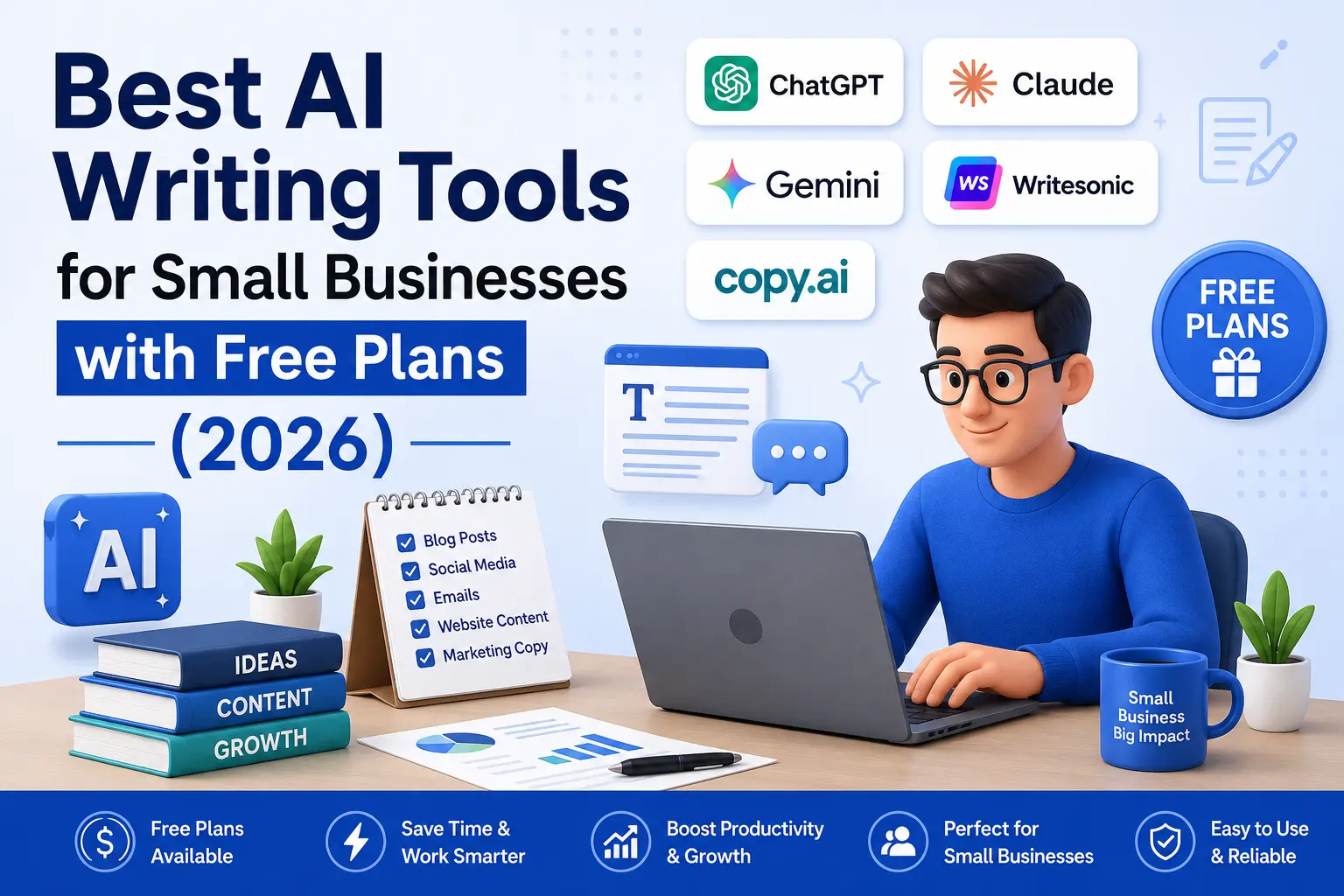
In this article, we’ll compare the best AI writing tools with free plans, explain their strengths and weaknesses, discuss pricing, and help you choose the right solution based on your business needs.
Why Small Businesses Are Using AI Writing Tools
Artificial intelligence has moved far beyond simple chatbots. Today’s AI writing assistants can help with almost every stage of content creation.
Small businesses commonly use AI to:
- Write SEO blog posts
- Create website pages
- Generate Facebook, LinkedIn, Instagram, and X posts
- Write email newsletters
- Create Google Ads copy
- Generate product descriptions
- Rewrite existing content
- Brainstorm marketing campaigns
- Create FAQs
- Draft customer support replies
- Write proposals and business documents
Instead of spending four or five hours writing a single article, many businesses now create a solid first draft in under thirty minutes and then improve it with their own experience and expertise.
This saves both time and money while allowing teams to publish content more consistently.
Benefits of AI Writing Software
Let’s look at some of the biggest benefits.
1. Saves Time
Writing quality content from scratch takes hours. AI can generate outlines, introductions, headings, and first drafts within minutes.
That means you spend more time improving content instead of starting from a blank page.
2. Reduces Marketing Costs
Hiring freelance writers, copywriters, editors, and proofreaders can be expensive.
Many small businesses use AI to create first drafts internally and then edit them before publishing.
This significantly reduces content production costs.
3. Helps Maintain Consistency
Publishing one blog every few months rarely produces strong SEO results.
Businesses that publish consistently generally have better opportunities to attract organic traffic.
AI makes it easier to maintain a regular publishing schedule.
4. Improves Productivity
Business owners already manage multiple responsibilities every day.
Instead of switching constantly between writing, editing, and brainstorming, AI helps complete repetitive writing tasks much faster.
5. Helps Overcome Writer’s Block
Every writer eventually runs out of ideas.
AI can instantly generate:
- Blog ideas
- Headlines
- Email subject lines
- Product descriptions
- Social captions
- Content outlines
This makes starting a project much easier.
How We Evaluated These AI Writing Tools
There are hundreds of AI writing tools available today.
To make this guide useful, we evaluated each platform using the following criteria.
Writing Quality
- Does the tool produce natural, readable content?
- Poor-quality AI text often sounds repetitive or robotic.
- We prioritized tools that create content requiring minimal editing.
Ease of Use
- Business owners don’t want complicated software.
- The best AI tools have simple dashboards and intuitive interfaces.
Free Plan
- A generous free plan is important for startups and small businesses.
- We gave extra credit to tools that allow users to test core features before upgrading.
Business Features
Some tools focus only on writing.
Others include:
- Marketing templates
- SEO features
- Team collaboration
- Brand voice
- Workflow automation
These features add significant value.
Value for Money
Price matters.
A tool that costs less but offers excellent writing quality often provides better value than an expensive platform with unnecessary features.
Quick Comparison Table
|
Tool |
Best For |
Free Plan |
Starting Paid Plan |
|
ChatGPT |
General Writing |
✅ Yes |
Paid plan available |
|
Claude |
Long-form Content |
✅ Yes |
Paid plan available |
|
Gemini |
Research & Ideas |
✅ Yes |
Paid plan available |
|
Writesonic |
SEO Writing |
✅ Yes |
Paid plans available |
|
Copy.ai |
Marketing Copy |
✅ Yes |
Paid plans available |
|
Rytr |
Budget Writing |
✅ Yes |
Paid plans available |
|
Grammarly |
Editing |
✅ Yes |
Premium available |
|
Notion AI |
Productivity |
Limited |
Add-on pricing |
|
Perplexity AI |
Research |
✅ Yes |
Pro plan available |
|
Jasper |
Marketing Teams |
Trial |
Premium plans |
1. ChatGPT
Overview
ChatGPT is one of the most popular AI assistants in the world and is widely used by freelancers, marketers, agencies, students, and business owners.
It can help write:
- Blog posts
- Website content
- Emails
- Sales copy
- Product descriptions
- Business plans
- Marketing campaigns
- FAQs
- Customer support replies
- Social media captions
Unlike many AI tools that specialize in one type of content, ChatGPT is extremely flexible.
Best Features
- Natural writing style
- Multiple content formats
- Brainstorming support
- Easy rewriting
- Content summarization
- Translation
- Coding assistance
- Marketing copy generation
- Business planning
Pros
✔ Beginner-friendly interface
✔ Excellent writing quality
✔ Fast response time
✔ Free version available
✔ Suitable for almost every business
✔ Supports long-form content
✔ Regular updates
Cons
✘ Always verify facts before publishing.
✘ Output quality depends on the quality of your prompts.
✘ Some advanced capabilities are available only in paid plans.
Best For
ChatGPT is ideal for:
- Small businesses
- Freelancers
- Agencies
- Bloggers
- Ecommerce stores
- Consultants
- Marketing teams
- Startup founders
Our Rating
⭐⭐⭐⭐⭐ (5/5)
For most small businesses, ChatGPT offers the best balance between quality, ease of use, flexibility, and affordability.
It is often the first AI writing tool we recommend because it can support almost every stage of content creation.
2. Claude
Overview
Claude has become one of the most trusted AI assistants for professionals who write long-form content. Unlike many AI tools that focus on short marketing copy, Claude performs exceptionally well when creating detailed blog posts, business reports, documentation, case studies, and educational content.
For small businesses that regularly publish informative articles, Claude can significantly reduce writing time while maintaining a natural tone.
One of Claude’s biggest strengths is its ability to understand long prompts and maintain context throughout an entire conversation. This makes it easier to create structured content without constantly repeating instructions.
Best Features
- Excellent long-form writing
- Natural human-like language
- Strong reasoning capabilities
- Good document summarization
- Easy content rewriting
- Supports brainstorming
- Helpful for business planning
Pros
✔ Excellent article quality
✔ Reads naturally
✔ Great for professional writing
✔ Easy to edit generated content
✔ Free plan available
Cons
✘ Fewer third-party integrations than some competitors
✘ Image generation is not its primary strength
Best For
- Bloggers
- Agencies
- Consultants
- Coaches
- SaaS companies
- Small businesses creating educational content
Our Rating
⭐⭐⭐⭐⭐ (4.9/5)
3. Gemini
Overview
Gemini is Google’s AI assistant and integrates well with Google’s ecosystem. If your business already uses Gmail, Google Docs, Google Drive, or Google Workspace, Gemini can become a valuable productivity assistant.
Instead of only writing articles, Gemini is also useful for research, brainstorming, summarizing information, and organizing ideas.
Best Features
- Google ecosystem integration
- Research assistance
- Content ideas
- Email drafting
- Spreadsheet support
- Presentation help
Pros
✔ Excellent research assistant
✔ Fast responses
✔ Great free plan
✔ Works well with Google products
Cons
✘ Writing style may require editing
✘ Some answers can be shorter than expected
Best For
- Google Workspace users
- Students
- Researchers
- Small business owners
Our Rating
⭐⭐⭐⭐☆ (4.7/5)
4. Writesonic
Overview
Writesonic focuses heavily on SEO content and digital marketing.
If your business depends on Google traffic, Writesonic offers useful tools for creating blog posts, landing pages, website copy, and product descriptions.
Unlike general AI assistants, Writesonic provides templates specifically designed for marketers.
Best Features
- SEO blog generation
- Landing page creation
- Marketing templates
- Product descriptions
- Google Ads copy
- Website copy
Pros
✔ SEO-friendly content
✔ Easy-to-use dashboard
✔ Multiple marketing templates
✔ Fast content generation
Cons
✘ Premium plans can become expensive for heavy users
Best For
- SEO agencies
- Bloggers
- Ecommerce businesses
- Marketing teams
Our Rating
⭐⭐⭐⭐☆ (4.7/5)
5. Copy.ai
Overview
Copy.ai specializes in marketing content.
Instead of writing only articles, it focuses on helping businesses generate high-converting marketing copy.
This includes:
- Email campaigns
- Sales pages
- Product descriptions
- Facebook Ads
- Google Ads
- Landing pages
Best Features
- Marketing templates
- Sales copy
- Email sequences
- Product descriptions
- Advertising copy
Pros
✔ Beginner friendly
✔ Excellent marketing templates
✔ Fast output
✔ Good free plan
Cons
✘ Less suitable for long educational articles
Best For
- Marketing agencies
- Ecommerce stores
- Sales teams
- Online businesses
Our Rating
⭐⭐⭐⭐☆ (4.6/5)
6. Rytr
Overview
Rytr is a budget-friendly AI writing assistant that is popular among freelancers and startups.
Although it isn’t as advanced as ChatGPT or Claude, it offers excellent value for businesses looking for an affordable writing solution.
Best Features
- Affordable pricing
- Multiple writing tones
- Blog outlines
- Social media captions
- Email writing
Pros
✔ Very affordable
✔ Easy to learn
✔ Fast content generation
Cons
✘ Limited long-form writing capabilities
Best For
- Freelancers
- Bloggers
- Startup businesses
Our Rating
⭐⭐⭐⭐☆ (4.5/5)
7. Grammarly
Overview
Grammarly is not a complete AI writer like ChatGPT, but every business should consider using it.
It helps improve grammar, spelling, punctuation, readability, clarity, and writing tone.
Think of Grammarly as your AI editor.
Best Features
- Grammar correction
- Tone suggestions
- Clarity improvements
- Writing quality score
- Browser extension
Pros
✔ Extremely accurate editing
✔ Works almost everywhere
✔ Free plan available
Cons
✘ Doesn’t generate complete articles like ChatGPT
Best For
Anyone who writes emails, blogs, reports, or business documents.
Our Rating
⭐⭐⭐⭐⭐ (4.9/5)
8. Notion AI
Overview
Notion AI combines note-taking, documentation, project management, and AI writing into a single workspace.
Businesses using Notion can create documents, meeting notes, knowledge bases, SOPs, and project plans much faster.
Best Features
- Document writing
- Meeting summaries
- Project management
- Brainstorming
- Knowledge management
Pros
✔ Great productivity tool
✔ Excellent for teams
✔ Easy collaboration
Cons
✘ Best experience requires using Notion
Our Rating
⭐⭐⭐⭐☆ (4.6/5)
9. Perplexity AI
Overview
Perplexity AI is different from traditional AI writers because it combines AI-generated answers with web-based research.
Instead of simply generating content, it often provides citations and references, making it useful for research before writing an article.
Best Features
- AI search engine
- Research assistant
- Citation support
- Fast answers
- Current information
Pros
✔ Excellent for research
✔ Reliable citations
✔ Beginner friendly
Cons
✘ Not designed primarily for long-form content writing
Our Rating
⭐⭐⭐⭐☆ (4.8/5)
10. Jasper AI
Overview
Jasper AI is built primarily for businesses that produce a large amount of marketing content.
It includes collaboration features, brand voice settings, campaign management tools, and workflow automation.
Although Jasper is one of the more expensive options, it is widely used by marketing teams and agencies.
Best Features
- Brand Voice
- Marketing campaigns
- Team collaboration
- SEO support
- Templates
- Content workflows
Pros
✔ Enterprise-ready
✔ Excellent marketing features
✔ Team collaboration
✔ High-quality output
Cons
✘ Higher price than many competitors
Best For
- Marketing agencies
- Large businesses
- Content teams
- SaaS companies
Our Rating
⭐⭐⭐⭐☆ (4.8/5)
Comparison Table
|
Tool |
Ease of Use |
Writing Quality |
Free Plan |
Best For |
|
ChatGPT |
⭐⭐⭐⭐⭐ |
⭐⭐⭐⭐⭐ |
✅ |
Overall Best |
|
Claude |
⭐⭐⭐⭐⭐ |
⭐⭐⭐⭐⭐ |
✅ |
Long Articles |
|
Gemini |
⭐⭐⭐⭐☆ |
⭐⭐⭐⭐☆ |
✅ |
Research |
|
Writesonic |
⭐⭐⭐⭐☆ |
⭐⭐⭐⭐☆ |
✅ |
SEO |
|
Copy.ai |
⭐⭐⭐⭐☆ |
⭐⭐⭐⭐☆ |
✅ |
Marketing |
|
Rytr |
⭐⭐⭐⭐☆ |
⭐⭐⭐⭐☆ |
✅ |
Budget Users |
|
Grammarly |
⭐⭐⭐⭐⭐ |
⭐⭐⭐⭐⭐ |
✅ |
Editing |
|
Notion AI |
⭐⭐⭐⭐☆ |
⭐⭐⭐⭐☆ |
Limited |
Productivity |
|
Perplexity AI |
⭐⭐⭐⭐⭐ |
⭐⭐⭐⭐☆ |
✅ |
Research |
|
Jasper |
⭐⭐⭐⭐☆ |
⭐⭐⭐⭐⭐ |
Trial |
Marketing Teams |
Which Tool Should You Choose?
- Choose ChatGPT if you need one tool for almost everything.
- Choose Claude if your focus is writing long, detailed articles.
- Choose Writesonic if SEO and blogging are your priorities.
- Choose Copy.ai if your business relies on marketing campaigns.
- Choose Grammarly to improve everything you write.
- Choose Perplexity AI for research before creating content.
Pricing Comparison
Choosing an AI writing tool isn’t just about features—it’s also about getting the best value for your budget. Many small businesses can begin with a free plan and only upgrade once their content needs increase.
|
Tool |
Free Plan |
Paid Plan |
Best For |
|
ChatGPT |
✅ Yes |
Monthly subscription |
General writing |
|
Claude |
✅ Yes |
Monthly subscription |
Long-form writing |
|
Gemini |
✅ Yes |
Monthly subscription |
Research & productivity |
|
Writesonic |
✅ Yes |
Monthly subscription |
SEO & marketing |
|
Copy.ai |
✅ Yes |
Monthly subscription |
Marketing copy |
|
Rytr |
✅ Yes |
Budget-friendly plans |
Freelancers |
|
Grammarly |
✅ Yes |
Premium plan |
Editing |
|
Notion AI |
Limited |
Add-on pricing |
Documentation |
|
Perplexity AI |
✅ Yes |
Pro plan |
Research |
|
Jasper |
Trial |
Premium plan |
Marketing teams |
Tip: If you’re just starting your business, begin with free plans. Upgrade only when you regularly hit usage limits or need advanced features.
Free vs Paid AI Writing Tools
Many business owners wonder whether they really need a paid subscription.
Free Plans Are Great For
- Students
- Bloggers
- Freelancers
- New startups
- Small business owners
- Basic content writing
Paid Plans Are Better For
- Marketing agencies
- Ecommerce stores
- Teams
- Large websites
- Businesses publishing content daily
- Companies needing collaboration features
If you publish one or two blog posts per week, a free plan may be enough. If you’re producing content every day or working with a team, a paid plan can save significant time.
How to Choose the Right AI Writing Tool
Ask yourself these questions before making a decision.
What type of content do you create?
- Blog articles
- Product descriptions
- Email campaigns
- Sales pages
- Social media content
- Website pages
Different tools perform better for different tasks.
How much is your budget?
There’s no need to pay for features you won’t use. Start small and upgrade as your business grows.
Do you need SEO support?
If organic traffic is a priority, choose a tool that helps create SEO-friendly content. Remember that AI should support your SEO strategy not replace keyword research or content optimization.
Will multiple people use the tool?
If your business has several team members creating content, collaboration and brand voice features become more important.
Common Mistakes to Avoid
Even the best AI writing tools won’t produce great results if they’re used incorrectly.
1. Publishing AI content without editing
Always review, improve, and personalize AI-generated content before publishing.
2. Skipping fact-checking
AI can occasionally make mistakes or present outdated information. Verify important facts using trusted sources.
3. Ignoring your brand voice
Your readers should recognize your business’s personality. Edit AI content so it reflects your tone and style.
4. Overusing keywords
Keyword stuffing makes content difficult to read and may hurt SEO. Write naturally for people first.
5. Forgetting internal links
Every new article should link to relevant articles on your website. This improves navigation and helps search engines understand your content.
Expert Tips for Better AI Content
To get the best results:
- Give clear, detailed prompts.
- Define your target audience.
- Request structured headings.
- Add real examples from your business.
- Include statistics from trusted sources.
- Edit the first draft carefully.
- Add original screenshots or visuals where appropriate.
- Keep content updated as AI tools evolve.
The combination of AI assistance and human expertise creates the strongest content.
Final Verdict
AI writing tools have become valuable assistants for businesses that want to create more content in less time. They help improve productivity, reduce costs, and support marketing efforts without replacing human creativity.
If you’re looking for an all-round solution, ChatGPT is an excellent place to start. If your focus is long-form educational content, Claude is another strong option. Businesses prioritizing SEO may find Writesonic useful, while marketers can benefit from Copy.ai or Jasper.
No matter which tool you choose, remember that the best content combines AI efficiency with human expertise. Review every draft, add your own insights, and focus on creating content that genuinely helps your audience.
Conclusion
Choosing the right AI writing tool depends on your business goals, content strategy, and budget. Start with a free plan, test how well the tool fits your workflow, and upgrade only when you need advanced features. By combining AI with your own expertise, you can create high-quality content that builds trust with readers and supports long-term business growth.