Quick Answer
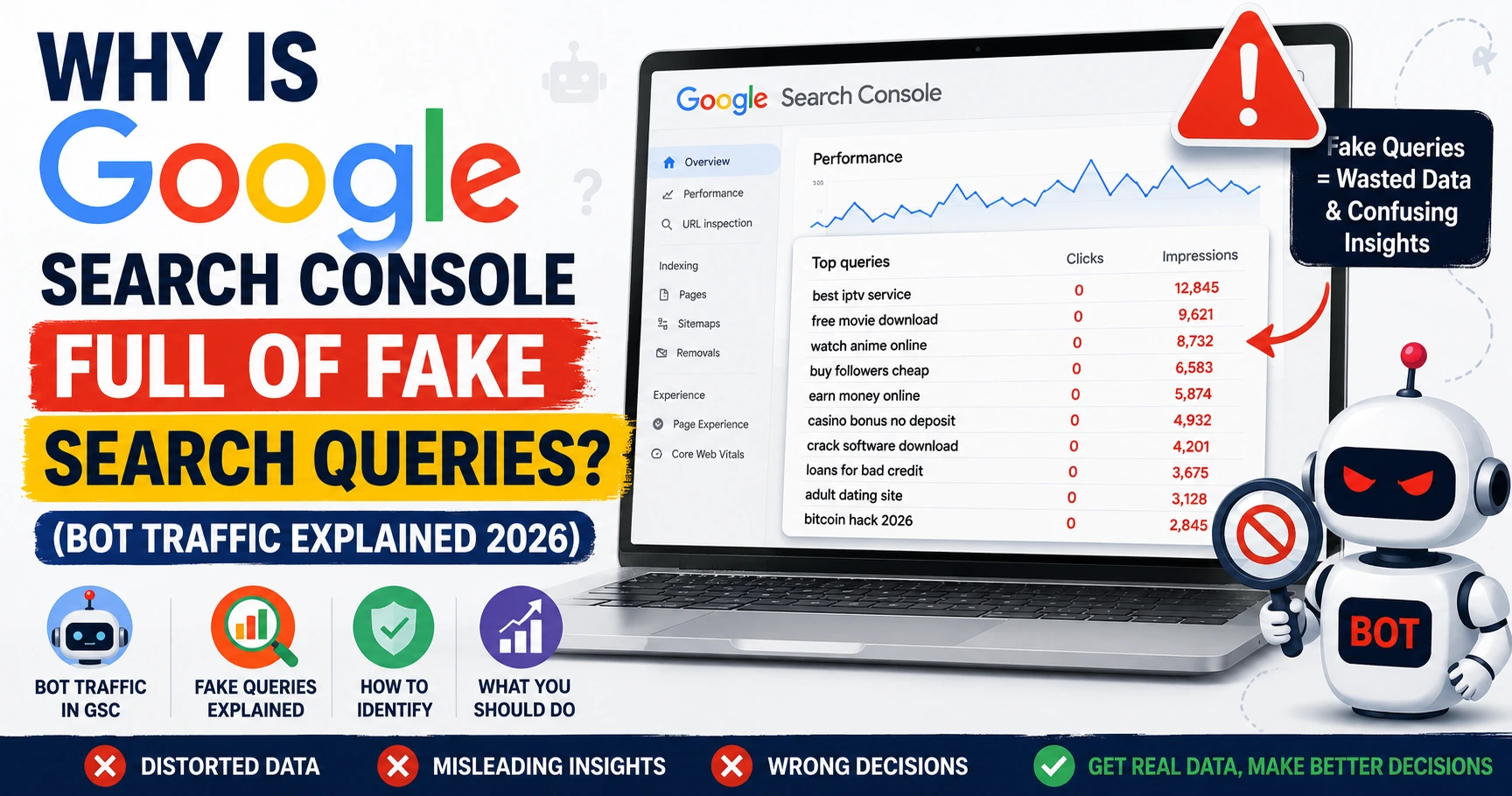
If your Google Search Console Performance report is full of strange search queries containing things like “site:”, “inurl:”, random hashtags, or foreign symbols, these are almost always fake search queries generated by bots, not real people. They usually come from automated scraping tools, rank-tracking bots, or spam scripts hunting for websites with open comment sections. They inflate your impression count but almost never convert into real clicks, and they should be ignored when judging your actual site performance.
What Fake Search Queries Actually Look Like
If you’ve never seen this before, it can be confusing Google Search Console is supposed to show you what real people are typing to find your site. But on new or growing websites, you’ll often see rows like this in your Queries report:
site:instagram.com -inurl:explore -inurl:hashtag "#randomword"inurl:blog "leave a reply" + electronic health recordsrun over inurl:commentsreconnaissance inurl:comments
Notice the pattern: these all use search operators special commands like site:, inurl:, and -inurl: that regular people almost never type into Google manually. Real searchers type normal phrases like “how to fix zero traffic” or “what is off-page SEO.” They don’t type search engine syntax combined with random hashtags.
Another giveaway: these queries almost always show impressions with zero clicks. A real person searching finds what they need and clicks something. A bot running automated queries doesn’t click anything — it’s just scanning results.
Why This Happens (And Why It’s Not Your Fault)
This isn’t a sign that your website is broken or doing something wrong. Here’s what’s usually going on:
1. Automated Scraping and Rank-Tracking Tools
Many SEO tools, both legitimate and shady, run large batches of automated Google searches to track rankings or scrape data. If your site happens to appear anywhere in those results even briefly, even at a low position it gets logged as an impression in your Search Console data.
2. Comment Spam Reconnaissance
Queries like inurl:blog "leave a reply" are classic footprint searches used by spam bots to find websites with open, unmoderated comment sections. They’re not looking for your content they’re looking for a place to drop spam comments loaded with backlinks. If you’re seeing these, it’s worth checking your comments section for spam submissions.
3. Hashtag and Social Scraping Bots
Repeated queries like site:instagram.com -inurl:explore -inurl:hashtag "#somehashtag" usually come from tools scraping Instagram content by hashtag. Your site showing up in these results is often just incidental a side effect of how broad or loosely matched the bot’s search pattern is.
None of this means your website is unsafe or compromised. It means bots exist in large numbers, and any website that starts getting indexed will eventually show up in some of their automated searches.
How to Tell Fake Queries from Real Ones
Use this simple checklist when reviewing your Search Console Performance report:
- Does the query contain search operators? (
site:,inurl:,-inurl:, quotation marks around unrelated phrases) — likely fake - Is the query a random hashtag, symbol string, or unrelated foreign-language phrase? — likely fake
- Does it have impressions but consistently zero clicks? — a strong signal it’s automated, not human
- Does the query relate to your actual content topic at all? — if there’s no logical connection, treat it as noise
Real, human queries usually look like natural questions or phrases: “how to fix zero traffic on new website,” “google search console tutorial,” or your brand name. If you’re setting up your Search Console for the first time, our Google Search Console Guide for Beginners covers how to read this report properly from the start.
What to Actually Do About It
Ignore It in Your Performance Reports
Don’t count these queries toward your real traffic numbers. If you’re trying to judge whether your SEO efforts are working, filter these out mentally (or manually, using Search Console’s filter option) and focus only on queries that look genuinely human.
Protect Your Comments Section
If you’re seeing comment-spam footprint queries, take action:
- Install an anti-spam plugin like Akismet
- Turn on comment moderation in your settings so nothing publishes without your approval
- Consider requiring commenters to have a previously approved comment before future ones auto-publish
Check for Actual Spam Backlinks
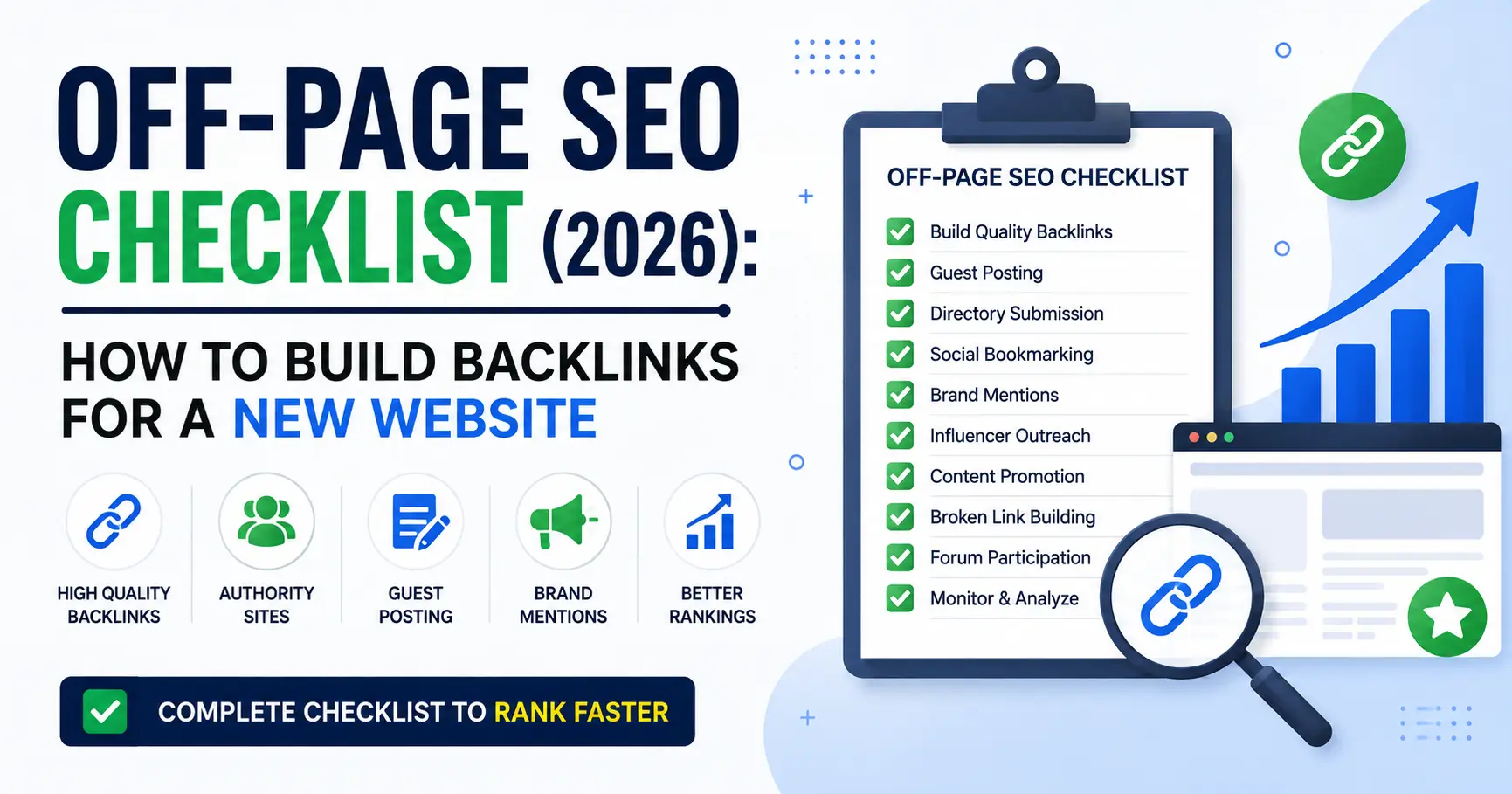
Bots that scan your site for comment spam are sometimes also linked to low-quality backlink schemes. Check your Links report in Search Console for any suspicious or irrelevant domains linking to you. This connects directly to what we covered in our Off-Page SEO Checklist not all backlinks help you, and some spam links are worth monitoring, even if most don’t need direct action.
Don’t Panic and Don’t Overreact
Disavowing links or blocking traffic aggressively based on fake queries is usually unnecessary. This is background noise most growing websites deal with. The goal is awareness, not alarm.
Learn the Operators Bots Are Using
Understanding site:, inurl:, and other search operators isn’t just useful for spotting bots — they’re also powerful tools for your own research. Our 7 Google Search Tricks Every SEO Professional Should Know breaks down how to use these same operators productively, like checking how many of your pages are indexed or finding your own site’s exposed content.
Does Fake Bot Traffic Hurt My SEO?
Generally, no. Google is well aware that bots generate automated search traffic, and this doesn’t directly damage your rankings. The real risks are indirect:
- Wasted time — chasing “traffic growth” that’s actually just bot noise leads to misreading your real progress
- Comment spam getting published — if bots succeed in posting spam comments, that can look bad to real visitors and, in some cases, affect trust signals
- Misdiagnosing problems — mistaking bot impressions for real audience interest can lead you to make the wrong content decisions
The fix isn’t complicated: filter the noise, secure your comments, and keep focusing on the metrics that reflect real human behavior.
Frequently Asked Questions
Are fake search queries in Google Search Console dangerous?
Not directly. They’re mostly harmless noise from bots and scrapers. The main risk is misreading your traffic data or leaving your comment section open to spam.
Should I disavow links related to these queries?
Usually not necessary. Disavowing is meant for genuinely harmful, manipulative backlink patterns — not for search query noise. Only consider it if you find actual spammy backlinks causing real problems.
Why do these queries show impressions but never clicks?
Because no real person is behind them. Bots scan search results without clicking, which is exactly why the click count stays at zero even as impressions grow.
Will this affect my Google ranking?
No direct effect. Google’s algorithms are built to recognize and largely ignore this kind of automated activity when evaluating your site.
Final Takeaway
Fake search queries full of site:, inurl:, and random hashtags in your Google Search Console report are a normal part of running a website — not a sign that something is broken. Learn to recognize the pattern, protect your comments section from spam, and keep your attention on the small number of queries that actually reflect real human searchers. That’s where your real growth signal lives.
At My Info Mint, we are not affiliated with any brand, product, or service mentioned on our website. Our goal is to provide informative and research-based content to help our readers. Please verify product or service information on the official website before making any decisions. The information provided is for educational purposes only.