Quick Answer
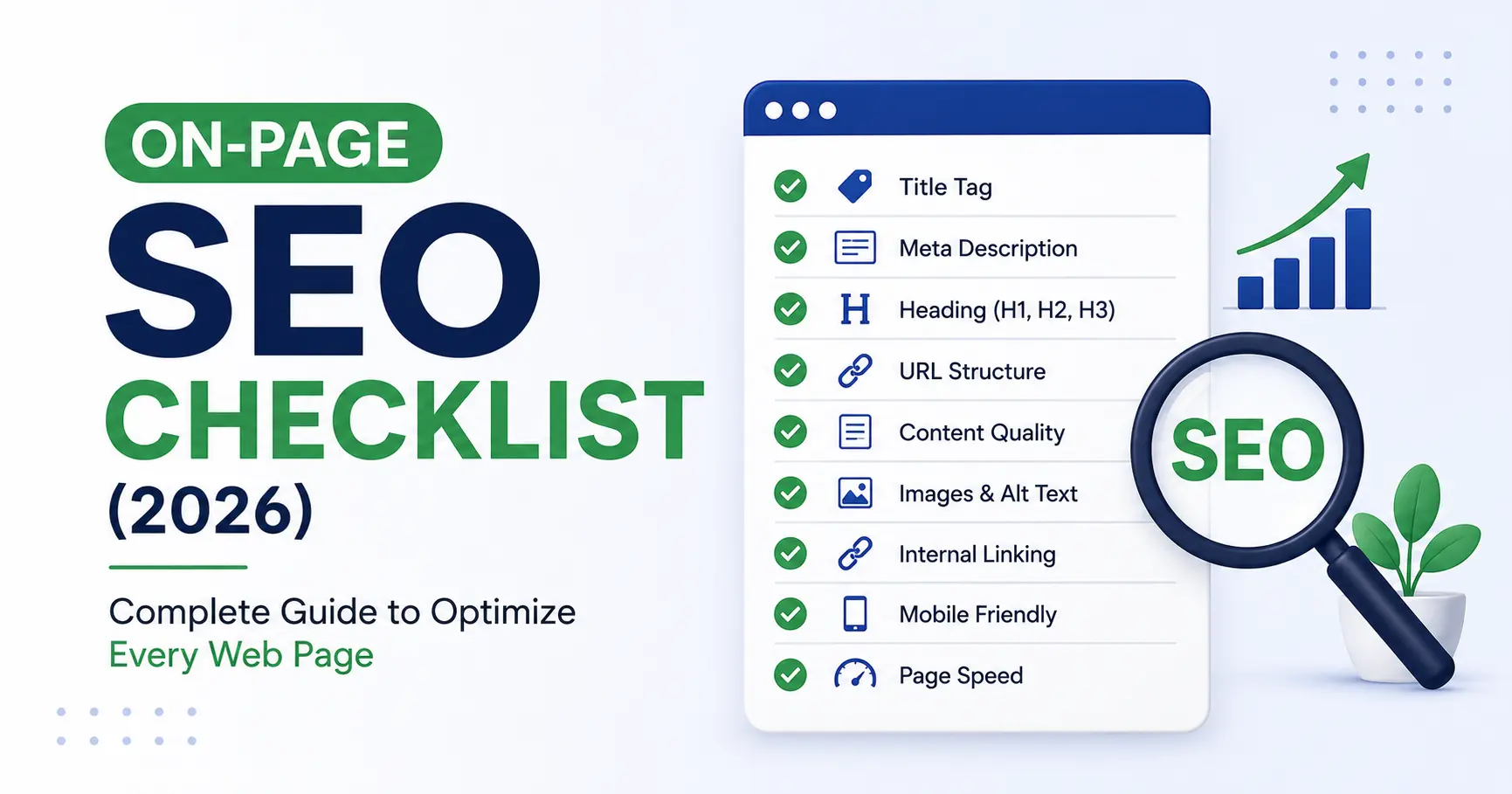
An On-Page SEO Checklist is a step-by-step guide to optimizing individual web pages so they rank higher in search engines and provide a better user experience. It includes optimizing title tags, meta descriptions, headings, URLs, keywords, images, internal links, and content quality to improve visibility in Google and AI-powered search platforms.
Introduction
Publishing a great article is only half the job. If your page isn’t properly optimized, it may struggle to rank—even if the content is excellent.
This is where an On-Page SEO Checklist becomes essential.
Every page on your website should follow a consistent optimization process. From choosing the right title to improving page structure and adding internal links, each element helps search engines understand your content and helps readers find the information they need.
In 2026, On-Page SEO is about much more than adding keywords. Google and AI-powered search systems evaluate whether your content is clear, useful, trustworthy, and easy to navigate.
In this guide, you’ll learn a practical On-Page SEO Checklist that you can apply to every blog post, landing page, or service page before publishing.
New to SEO? Start with our What Is SEO? A Complete Beginner’s Guide (2026) to understand the basics before applying this checklist.
Why Is an On-Page SEO Checklist Important?
An On-Page SEO Checklist helps ensure that every page on your website follows SEO best practices. Instead of relying on guesswork, you use a repeatable process that improves content quality and search visibility.
A well-optimized page can:
- Rank for relevant keywords.
- Improve user experience.
- Increase organic traffic.
- Help search engines understand your content.
- Increase the chances of appearing in featured snippets and AI-generated answers.
Without proper on-page optimization, even valuable content may be difficult for search engines to interpret.
What Is On-Page SEO?
On-Page SEO refers to all the optimization you perform directly on a webpage to improve its performance in search results.
Unlike Off-Page SEO, which focuses on backlinks and external signals, On-Page SEO is completely under your control.
It includes elements such as:
- Page title
- Meta description
- Headings
- URL
- Content quality
- Keyword usage
- Internal linking
- Images
- User experience
Following a structured On-Page SEO Checklist helps make sure none of these important elements are overlooked.
On-Page SEO Checklist: Essential Elements
Below are the core elements every optimized page should include.
1. Create an SEO-Friendly Title Tag
Your title tag is one of the first things users notice in search results.
A strong title should:
- Include the primary keyword.
- Clearly describe the page.
- Encourage users to click.
- Stay within approximately 50–60 characters when possible.
Example
✅ On-Page SEO Checklist (2026): Complete Guide to Optimize Every Web Page
Avoid vague titles that don’t explain the page’s purpose.
2. Write a Compelling Meta Description
A meta description summarizes your page for search engines and users.
Although it isn’t a direct ranking factor, it can improve click-through rates.
A good meta description should:
- Include the primary keyword naturally.
- Explain what readers will learn.
- Encourage clicks.
- Stay around 150–160 characters.
Example
Learn the complete On-Page SEO Checklist to optimize every webpage for better Google rankings, improved user experience, and AI-powered search visibility.
3. Use One Clear H1 Heading
Every page should have one H1 heading.
The H1 tells users and search engines what the page is about.
Example:
On-Page SEO Checklist (2026): Complete Guide to Optimize Every Web Page
Avoid using multiple H1 headings on the same page.
4. Organize Content with H2 and H3 Headings
A clear heading structure improves readability and helps search engines understand your content.
Example:
H1
 ├── H2
 │     ├── H3
 │     ├── H3
 ├── H2
│ ├── H3Well-structured pages are easier for users to scan and understand.
5. Create Short and SEO-Friendly URLs
A clean URL helps both users and search engines understand the page.
Good Example
yourwebsite.com/on-page-seo-checklist
Poor Example
yourwebsite.com/post?id=12345&category=seo&page=2026
Keep URLs:
- Short
- Descriptive
- Easy to read
- Keyword-focused
Avoid unnecessary numbers or special characters.
6. Use Your Primary Keyword Naturally
Your primary keyword is On-Page SEO Checklist.
Use it naturally in important places such as:
- SEO title
- URL
- Meta description
- Introduction
- H2 headings (where relevant)
- Conclusion
- Image ALT text (when appropriate)
Don’t force the keyword into every paragraph. Modern search engines understand related terms and context, so natural writing is more effective than repetition.
7. Write High-Quality Content
Search engines prioritize pages that provide real value.
High-quality content should:
- Answer the user’s question.
- Be original.
- Be accurate.
- Include examples where helpful.
- Be easy to read.
- Stay focused on the topic.
Before publishing, ask yourself:
Does this page genuinely help someone solve a problem?
If the answer is yes, you’re moving in the right direction.
8. Improve Readability
Good SEO isn’t only about rankings it also means creating content people enjoy reading.
To improve readability:
- Use short paragraphs.
- Write simple sentences.
- Use bullet points for lists.
- Add descriptive headings.
- Highlight important information when appropriate.
- Avoid unnecessary jargon.
A clear writing style helps readers stay engaged and makes your content easier for AI systems to summarize accurately.
9. Add Internal Links to Related Content
Internal linking is one of the easiest and most effective parts of an On-Page SEO Checklist.
Internal links connect one page of your website to another, helping both readers and search engines discover more relevant content.
Benefits of Internal Linking
- Improves website navigation
- Helps search engines crawl your website
- Distributes page authority across your site
- Increases average session duration
- Builds topical authority
Example
If you’re reading this guide and want to learn SEO from the beginning, check out our:
👉 What Is SEO? A Complete Beginner’s Guide (2026)
If you want to improve your search skills for keyword research and competitor analysis, read:
👉 7 Google Search Tricks Every SEO Professional Should Know (2026)
Try to include 3–8 relevant internal links in every article. Make sure each link adds value and fits naturally within the content.
10. Optimize Images for SEO
Images make your content more engaging, but they also need optimization.
Follow these image SEO best practices:
- Use descriptive file names.
- Add meaningful ALT text.
- Compress images to improve page speed.
- Use WebP format when possible.
- Keep image sizes optimized for fast loading.
Example
File Name
✅ on-page-seo-checklist-guide.webp
❌ image123.webp
ALT Text
✅ On-Page SEO Checklist infographic
Optimized images improve accessibility and help search engines understand visual content.
11. Use External Links to Trusted Sources
Linking to reliable resources can improve your content’s credibility.
Examples of authoritative sources include:
- Google Search Central documentation
- Google Analytics Help
- Google Search Console Help
- W3C documentation
- Mozilla Developer Network (MDN)
Use external links only when they genuinely support your content.
12. Focus on EEAT
Google values content that demonstrates:
- Experience
- Expertise
- Authoritativeness
- Trustworthiness
To improve EEAT:
- Publish original content.
- Keep information up to date.
- Add an author profile.
- Maintain an About Us page.
- Include Contact information.
- Use reliable references where appropriate.
- Be transparent about affiliate relationships.
Building trust is just as important as optimizing keywords.
13. Optimize for AEO (Answer Engine Optimization)
Many users now search using AI assistants and voice search.
A good On-Page SEO Checklist should include AEO best practices.
How to Optimize for AEO
- Answer important questions directly.
- Use question-based headings.
- Add FAQ sections.
- Write concise definitions.
- Use bullet points and tables.
- Add FAQ Schema when appropriate.
Example
Question: What is an On-Page SEO Checklist?
Answer:
An On-Page SEO Checklist is a step-by-step process for optimizing individual webpages by improving titles, headings, content, images, URLs, and internal links to increase visibility in search results.
This format is easier for AI systems to extract and present.
14. Optimize for GEO (Generative Engine Optimization)
AI-powered search engines summarize content before presenting answers.
To improve visibility:
- Write original content.
- Explain concepts clearly.
- Use descriptive headings.
- Include examples.
- Avoid keyword stuffing.
- Structure information logically.
The better your content is organized, the easier it is for AI systems to understand and reference it.
Common On-Page SEO Mistakes to Avoid
Even experienced website owners make mistakes that can affect rankings.
Avoid these common issues:
- Missing title tags
- Duplicate meta descriptions
- Multiple H1 headings
- Long, confusing URLs
- Thin or low-quality content
- Keyword stuffing
- Missing image ALT text
- Broken internal links
- Ignoring mobile optimization
- Publishing without proofreading
Reviewing your On-Page SEO Checklist before publishing helps catch these problems early.
Complete On-Page SEO Checklist
Use this checklist every time you publish a new page.
Content
- Primary keyword included naturally
- Helpful, original content
- User intent satisfied
- Short paragraphs
- Clear headings
Meta Data
- SEO title optimized
- Meta description written
- One H1 heading
- H2 and H3 headings organized
URL
- Short
- Descriptive
- Keyword included
Images
- WebP format
- Optimized size
- ALT text added
- Descriptive file names
Internal Linking
- Links to relevant articles
- Natural anchor text
- No broken links
Technical Checklist
- Mobile-friendly
- Fast loading speed
- HTTPS enabled
- XML Sitemap updated
- Indexed in Google Search Console
Frequently Asked Questions (FAQ)
What is an On-Page SEO Checklist?
An On-Page SEO Checklist is a list of optimization tasks that improve individual webpages for search engines and users. It covers titles, meta descriptions, headings, content, URLs, images, internal links, and technical elements.
Why is On-Page SEO important?
On-Page SEO helps search engines understand your content, improves user experience, and increases the chances of ranking higher in search results.
How many keywords should I use?
Use your primary keyword naturally in key locations such as the title, introduction, headings, and conclusion. Focus on writing naturally rather than repeating the keyword unnecessarily.
Does image SEO help rankings?
Yes. Optimized images improve accessibility, page speed, and help search engines understand your content.
How often should I update my On-Page SEO?
Review important pages every 6–12 months to update information, improve internal links, refresh examples, and maintain accuracy.
Final Thoughts
A strong On-Page SEO Checklist is more than a list of technical tasks. It’s a framework for creating pages that are useful, well-structured, and easy for both people and search engines to understand.
By focusing on quality content, logical organization, helpful internal links, optimized images, and modern practices like AEO and GEO, you can build webpages that perform well in traditional search results and AI-powered search experiences.
Remember that On-Page SEO is not something you do once. Review your content regularly, update it when needed, and continue improving your pages as search technology evolves.
Conclusion
A well-executed On-Page SEO Checklist helps every page on your website perform at its best. By optimizing titles, headings, URLs, content, images, and internal links—and by following modern practices such as EEAT, AEO, and GEO you create content that is valuable for readers and easier for search engines and AI systems to understand.
Whether you’re publishing a blog post, service page, or product page, using the same checklist consistently will improve quality, support long-term rankings, and strengthen your website’s authority over time.
At My Info Mint, we are not affiliated with any brand, product, or service mentioned on our website. Our goal is to provide informative and research-based content to help our readers. Please verify product or service information on the official website before making any decisions. The information provided is for educational purposes only.